
Apprentice guide to Aptem
Your step-by-step guide to managing your apprenticeship, submitting work, and tracking progress. Everything you need to stay on track and succeed.

What is Aptem?
Aptem is your online apprenticeship management platform. It's where you access your learning plan, complete tasks, upload evidence, log your off-the-job training hours, and stay in touch with your Skills Coach. Everything you need is in one place.
First login to Aptem
Follow these four simple steps to get started
Activate your account via email
Check your inbox for the activation email from RTS Training. Click the link to get started.
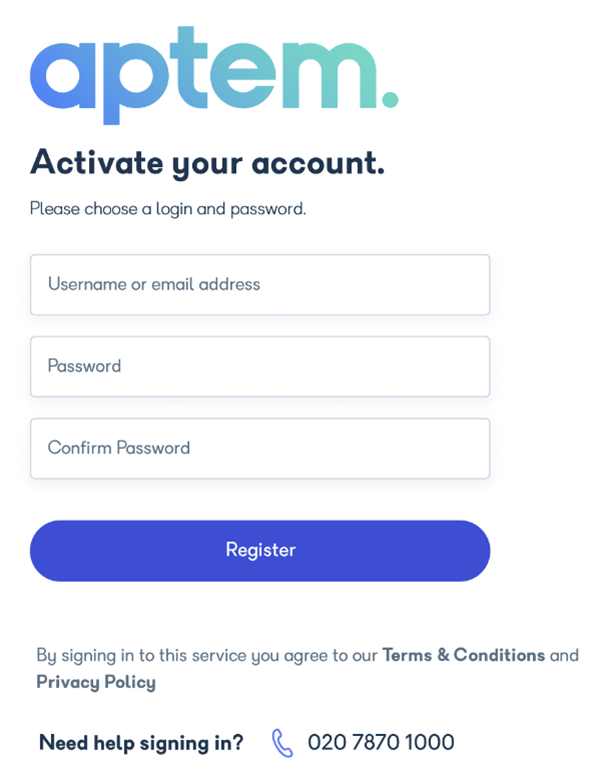
Create your password
Choose a strong password you'll remember. You'll use this every time you log in to Aptem.
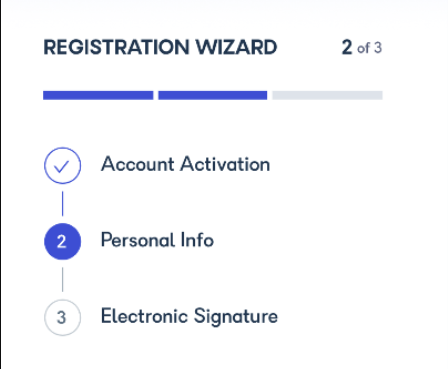
Set up your digital signature
Create a digital signature for signing off your work and evidence submissions. This takes just a minute.
Access your dashboard
You're ready. Log in and explore your learning plan, tasks, and everything else waiting for you.
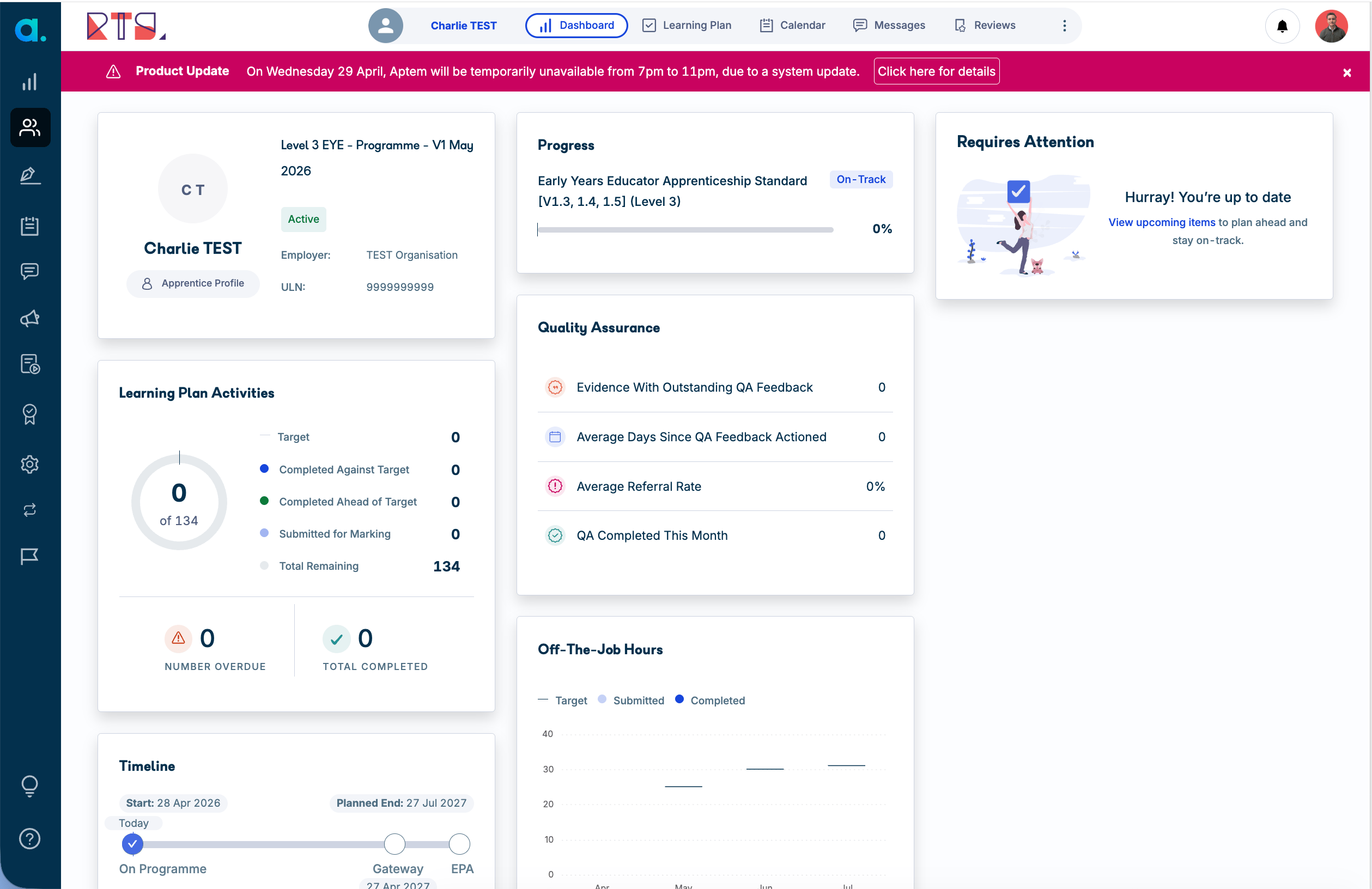
Find everything in one place
Your dashboard is your command centre. It shows your learning plan, upcoming tasks, deadlines, and messages from your Skills Coach all at a glance.
Your full apprenticeship mapped out
See your entire learning journey from start to finish. Know what's coming and plan ahead.

Monthly work waiting for you
Each month brings new tasks linked to your role. Open them, read the instructions, and get started.
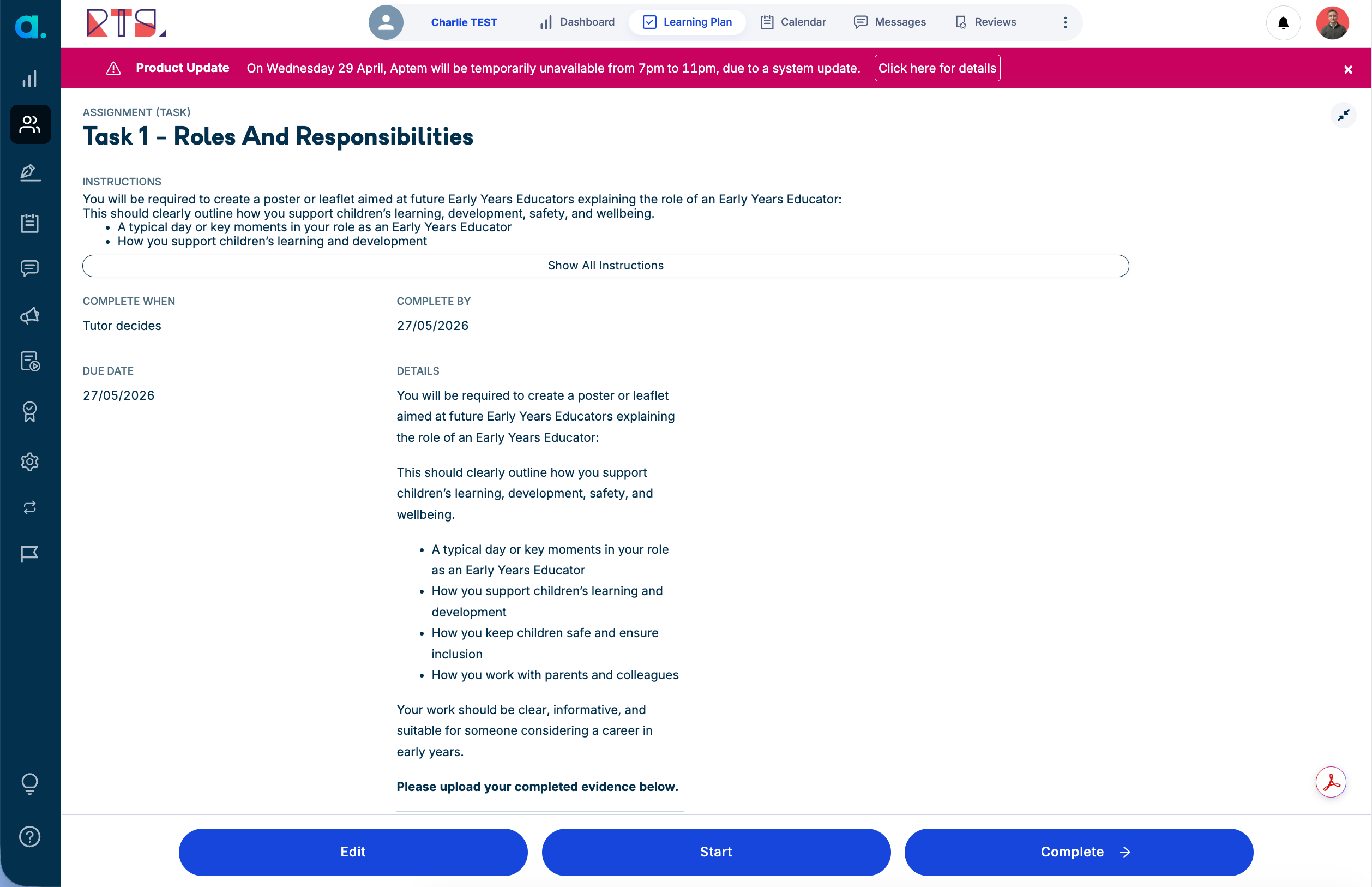
Upload your work and proof
Every task has an evidence section. Upload files, photos, or documents that show what you've learned and done.

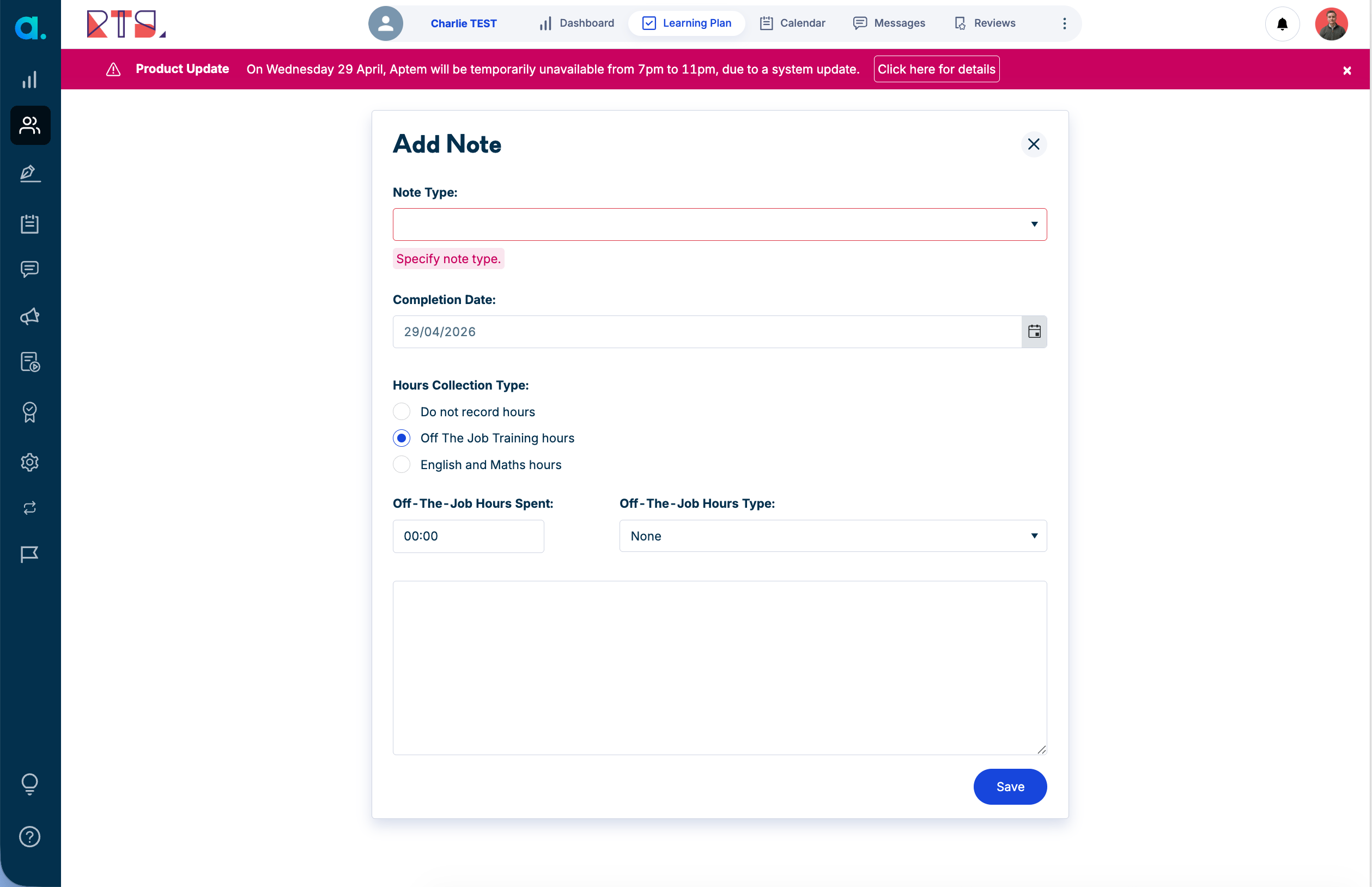
Log your training hours here
Record every hour of off-the-job training you complete. Write reflections to show what you've learned.
Stay connected with your coach
Your Skills Coach is here to help. Send messages, ask questions, and get feedback on your progress.
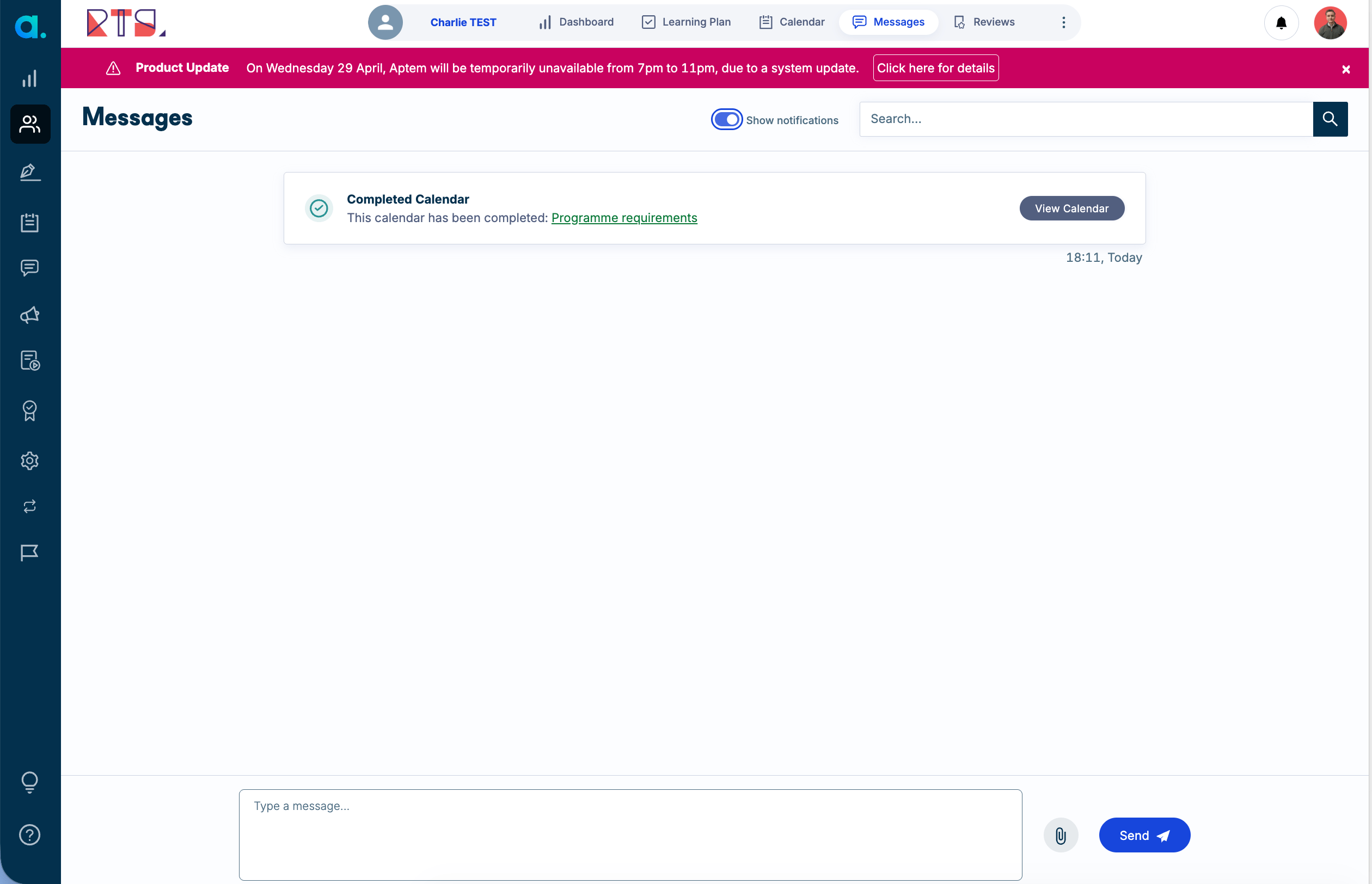
Track how far you've come
See your completion status, upcoming assessments, and how you're progressing through your apprenticeship.

Your Skills Coach
Message them directly in Aptem for quick answers and support with your apprenticeship.
RTS Support Team
Email support@rts.training or call for help with technical issues or apprenticeship questions.
Aptem Help Centre
Visit the Aptem Help Centre within the platform for guides, FAQs, and troubleshooting articles.